2.0 GETTING STARTED
Getting Started section explains how to navigate the system. The section presents briefly
system menus.
2.1 LOGGING IN
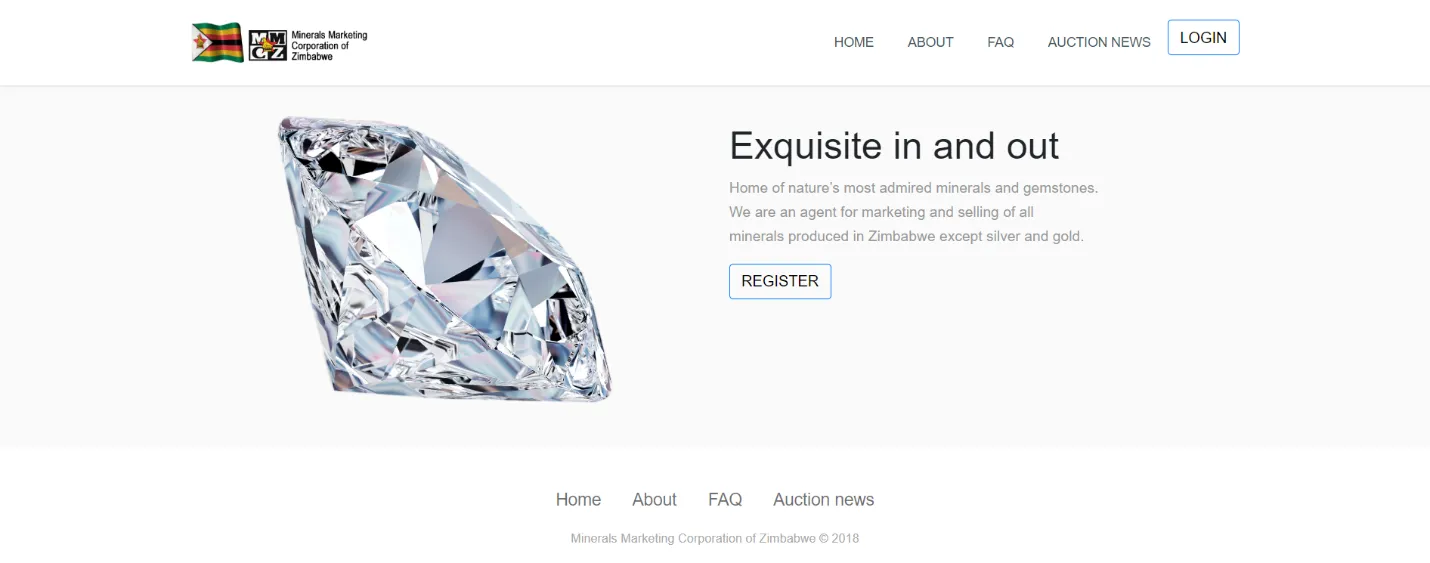
After visiting the systems URL (web address) a landing page/ welcome page is displayed (Figure
1.0).
2.2 MENU
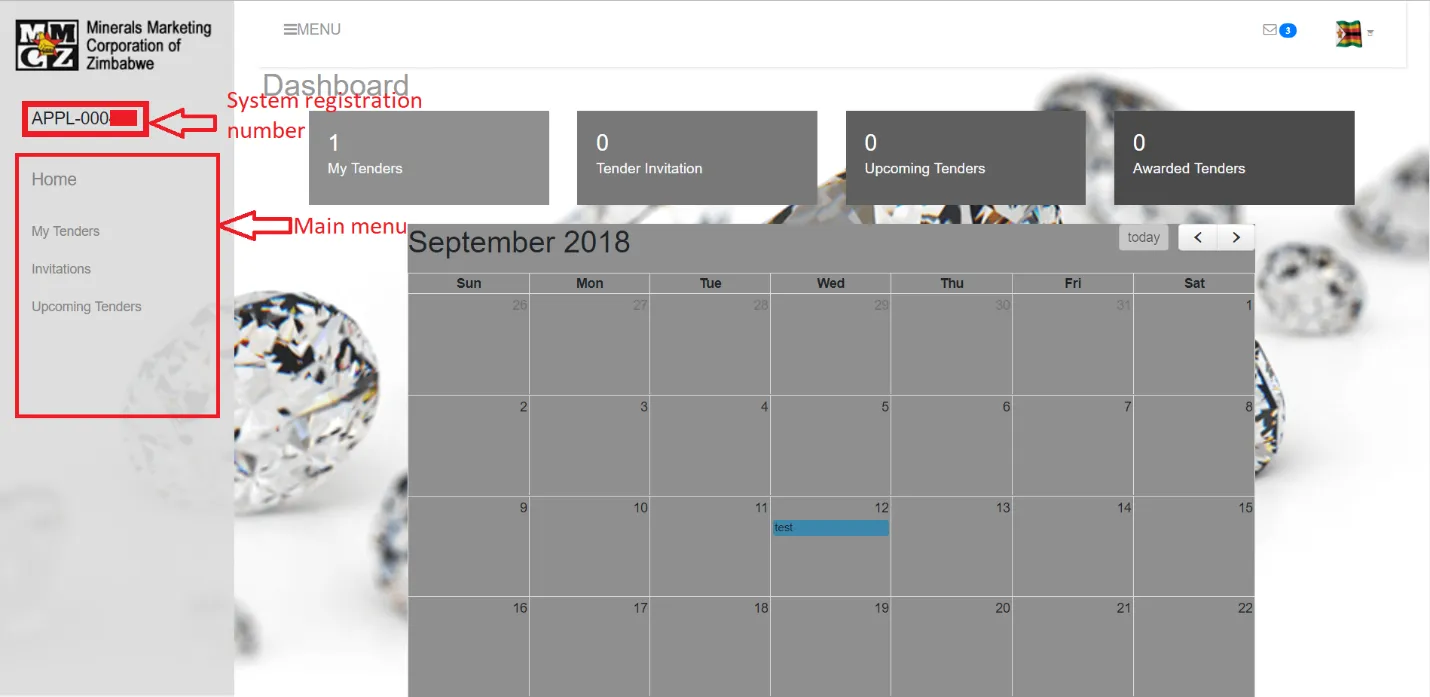
On finishing with the login, a user is provided with a dashboard with the main navigation menu
for the system. The key areas of this software are put on this page to the left of the screen
(Figure 1.2). This menu is visible throughout the entire system
2.3 LOGGING OUT
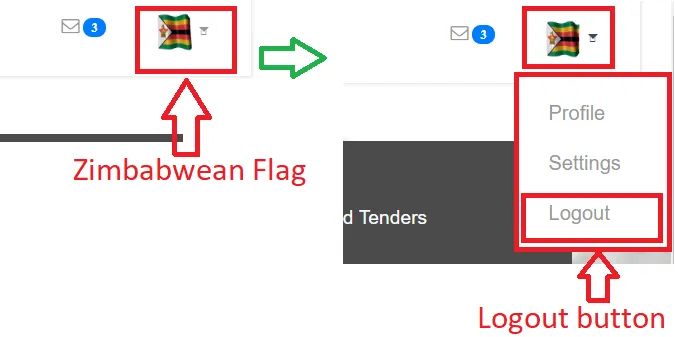
When done with using the system one has to log out and this can be done by pressing the
logout button found in the menu after one clicks on the Zimbabwean flag at the top right of the
Dashboard then selecting the logout button(Figure 1.3).